Your DSC.Your Control.Digital Sign without Sharing Your Token & PIN
eGuard helps individuals and businesses use their Digital Signature Certificate (DSC) securely from anywhere. Choose the signing mode that fits your workflow while keeping your USB token and PIN protected. Every signing request requires your approval, every signature is protected, and every activity is recorded for complete visibility.
Complete Signing Logs. Multiple Signing Modes. Full Control.
Future Proof Digital Signing
Everything You Need for Secure Digital Signing
eGuard helps you sign documents securely without changing the way you work. Continue using Adobe Acrobat, GST, MCA, Income Tax, ICEGATE, ERP systems, and others while protecting your digital signing credentials.
Detailed Activity Logs
Maintain a complete history of every signing request, including timestamps, device details, application information, and approval status, for enhanced visibility and accountability.
Flexible Signing Modes
Choose from Remote Approval, Host PIN, Host + Mobile Code (TOTP), or API integration to match your security requirements and signing workflow.
User Control
Every signing mode is designed to keep you in control, whether through user approval, PIN verification, mobile authentication, or secure API-based automation.
Strong Security
eGuard protects your digital signing process with secure authentication, encrypted communication, and hardware-backed signatures designed to safeguard your DSC credentials.
Complete User Control
Every signing request is delivered directly to your registered mobile device, where you can review, approve, or reject it before any signature is created.
Compatible with Existing Infrastructure
Continue using your existing Digital Signature Certificates, USB tokens, and supported signing applications without changing your current workflow or infrastructure.
Signing Modes
Every organization works differently. That's why eGuard offers four flexible signing modes to match your security requirements and business workflow.

Remote Approval
Your DSC stays with you on your mobile phone. Every signing request must be approved on your phone, and your PIN is entered only there. This keeps your PIN private and gives you full control over every signature.

Host PIN
Your token stays connected to the computer. Enter your PIN once, then sign multiple documents during the same session. Every completed signature is recorded, and you receive updates on your mobile phone.

Host + TOTP
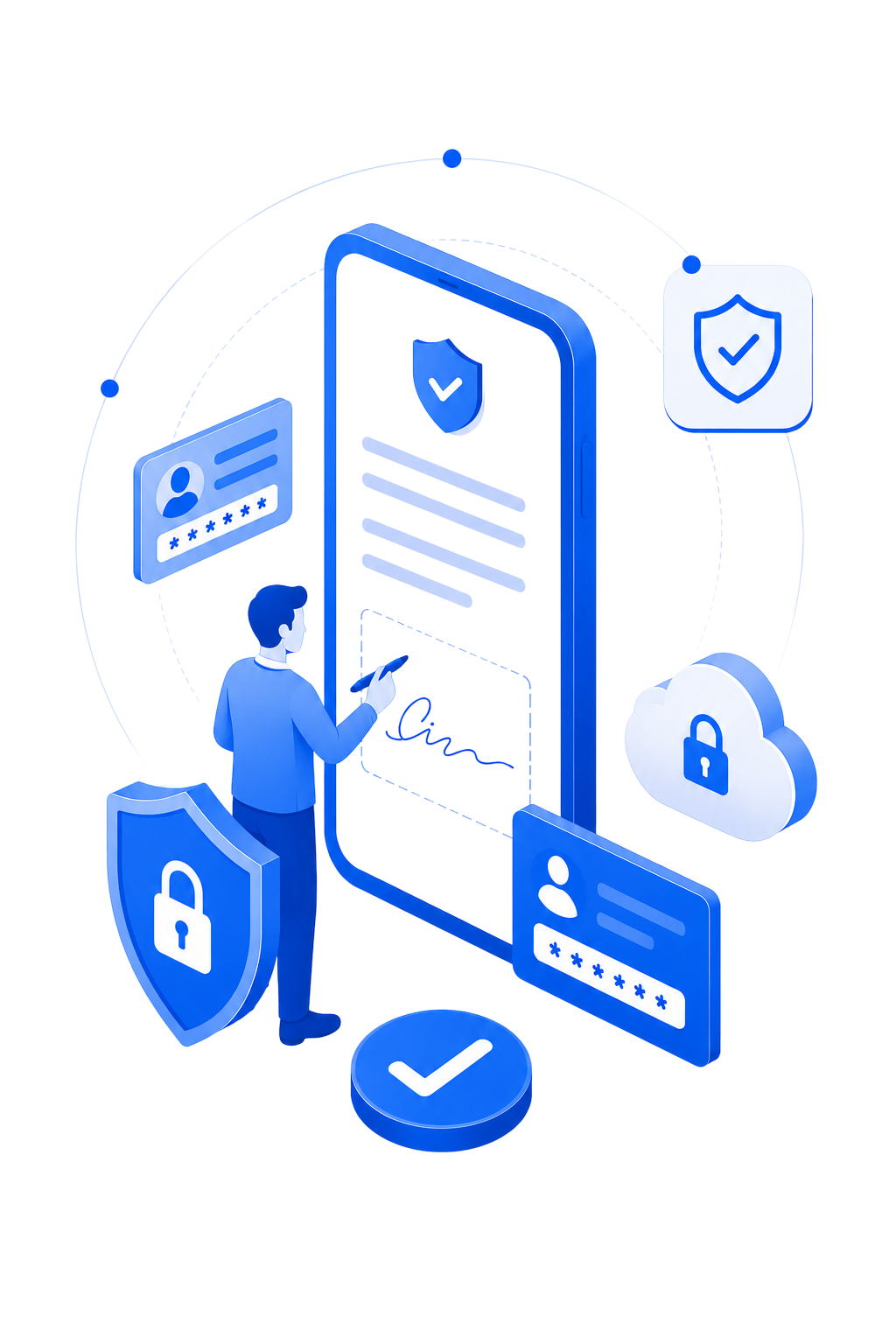
Your digital signature certificate stays connected to the computer. Every signing request also needs a one-time verification code from your mobile phone. You can approve or reject each request before the document is signed.
API
Connect eGuard directly with your application using a secure local connection. Documents are signed automatically and returned with a trusted digital signature. Every signing activity is recorded in a detailed audit log for future reference.
Security model
Architecturally Designed to Protect Your Digital Identity
Unlike traditional digital signing, eGuard keeps your USB Token and PIN under your control and records every signature in a detailed audit log. Your PIN is never placed on the network, reducing the risk of unauthorized access by design.
- CCA India aligned
- No PIN on network
- On-chip private keys
- Replay protected
3-layer encryption
TLS transport, XChaCha20-Poly1305 AEAD payloads, and Ed25519 message signatures — defence in depth on every hop.
Perfect forward secrecy
A fresh ephemeral X25519 key per message. Capturing one session reveals nothing about any other.
3-factor authentication
Physical token (have), PIN (know), and bound mobile device (possess) — all three required to produce a signature.
Keys inside the chip
Private keys never leave the hardware token. Signing happens on-chip; the host only ever receives a finished signature.
Workflow
Remote Signing in Four Simple Steps
Complete legally valid digital signatures securely with eGuard Host and the eGuard Mobile App, without exposing your PIN or moving your USB token.
Connect & Launch eGuard
Connect your USB DSC token to your computer or Android phone, depending on your selected signing mode. Open eGuard Host on your Windows PC and eGuard Mobile App on your mobile device.
Start Signing
Sign documents using Adobe Acrobat, GST, MCA, Income Tax, ICEGATE, or any supported software. eGuard Host securely processes the signing request based on your chosen signing mode.
Verify & Approve
If your selected signing mode requires approval, the eGuard Mobile App receives a secure signing request. Review the details and approve or reject the request. For other modes, signing continues according to the selected workflow.
Sign & Complete
Your Digital Signature Certificate securely signs the document using your selected signing mode. The signed document is returned to the application, and every signing activity is recorded in a detailed audit log.
Token compatibility
Compatible with leading USB DSC tokens.
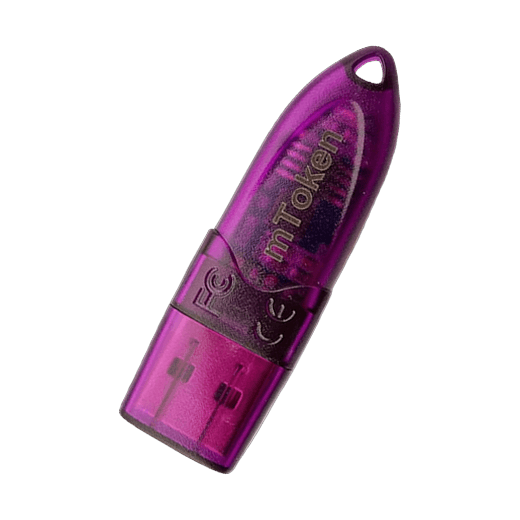
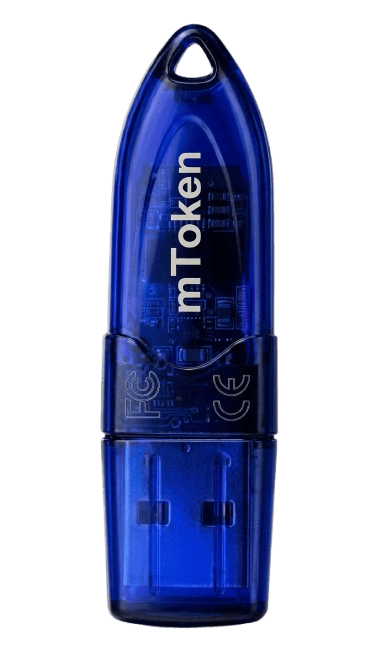
mToken
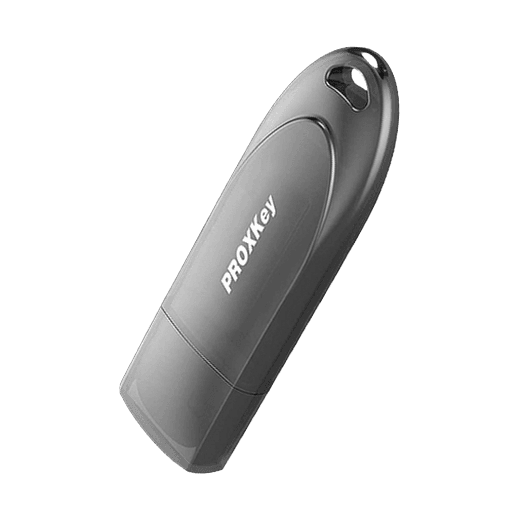
ProxKey
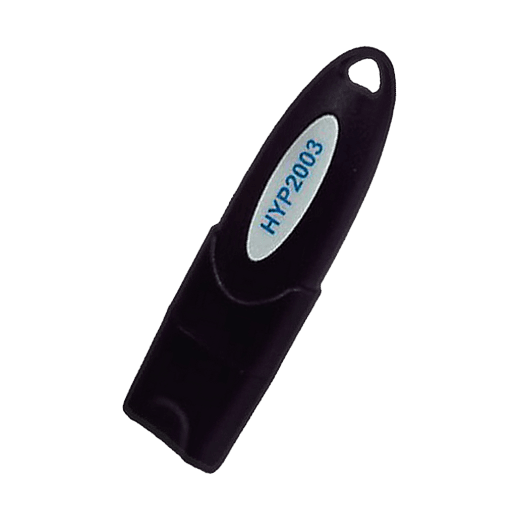
HYP2003
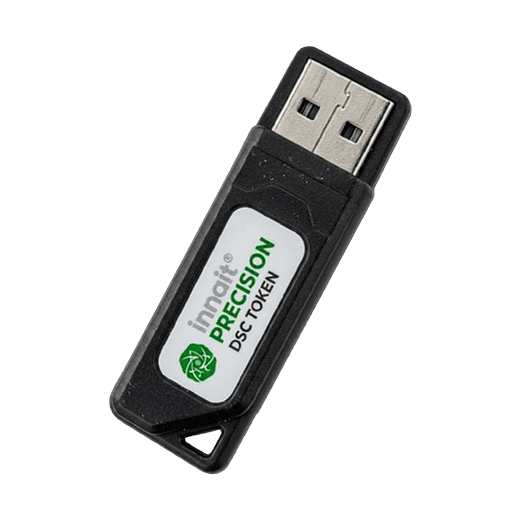
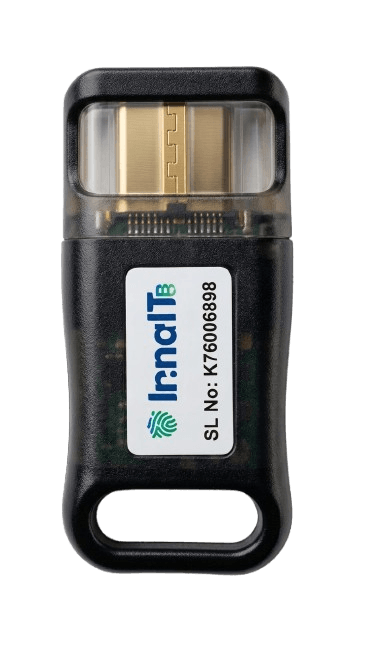
Precision InnaITKey
Ready to Secure Your Digital Signing?
Discover how eGuard helps businesses modernize Digital Signature Certificate workflows with enterprise-grade security, seamless integration, and complete user control.
Get Started